
Learn about SLM 3D printing (metal LPBF), including how it works, materials, advantages, cost drivers, and metal 3D printing service provider comparisons.
Introduction
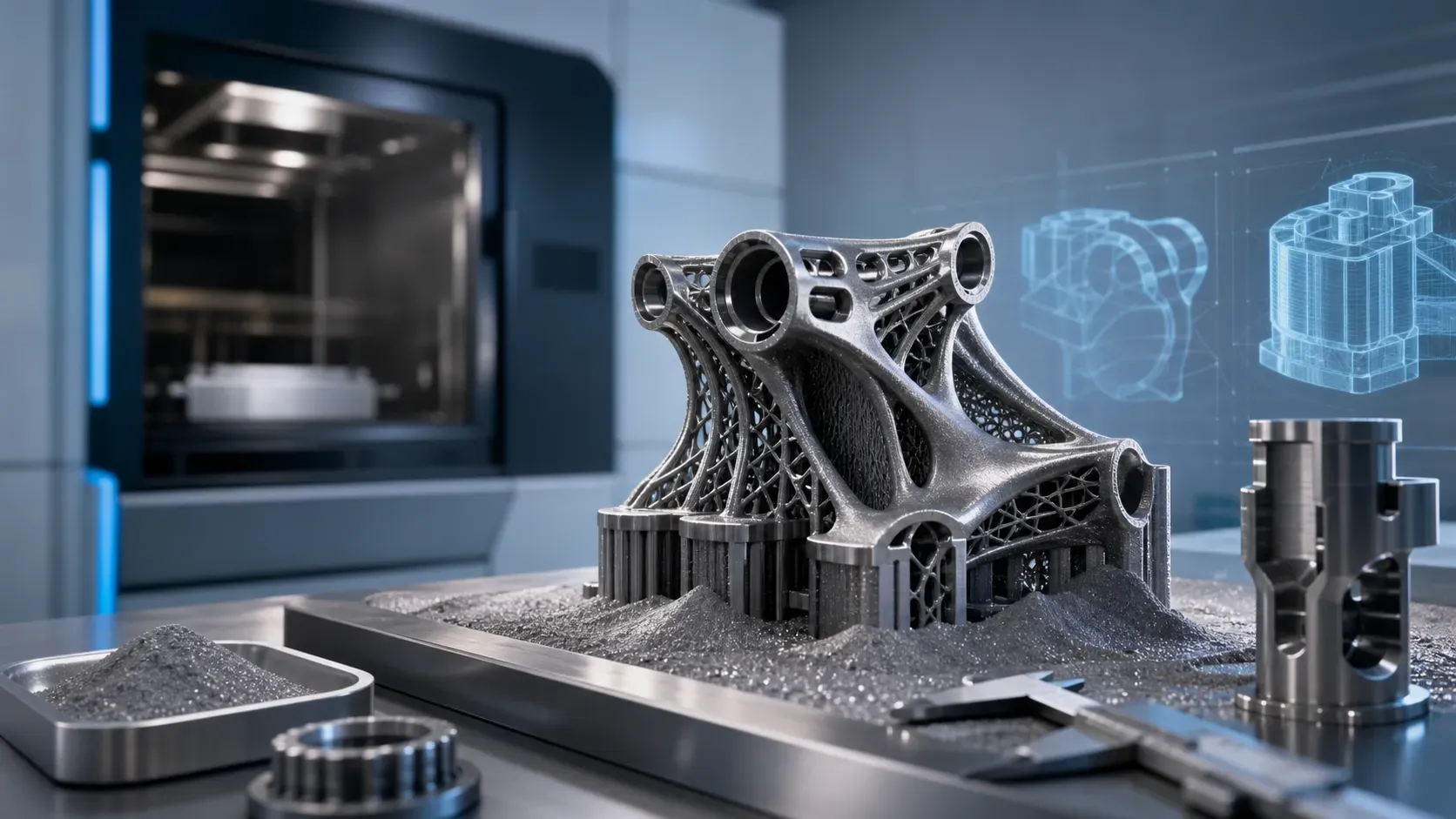
SLM 3D printing, also known as metal laser powder bed fusion (LPBF), enables manufacturers to produce complex metal parts directly from digital designs without the tooling required for many conventional manufacturing methods. By selectively melting metal powder layer by layer with a high-power laser, SLM can create lightweight structures, intricate geometries, internal channels, and consolidated components that can be difficult or costly to manufacture using machining or other processes.
But choosing SLM is not simply a matter of printing a part in metal. Material selection, part geometry, build orientation, support requirements, and post-processing, and production volume can all affect part quality, lead time, and cost.
This guide explains how SLM 3D printing works, the materials it uses, its advantages and limitations, key cost factors and ways to reduce them, essential design guidelines, and how to choose a metal 3D printing service provider.
What Is SLM 3D Printing?
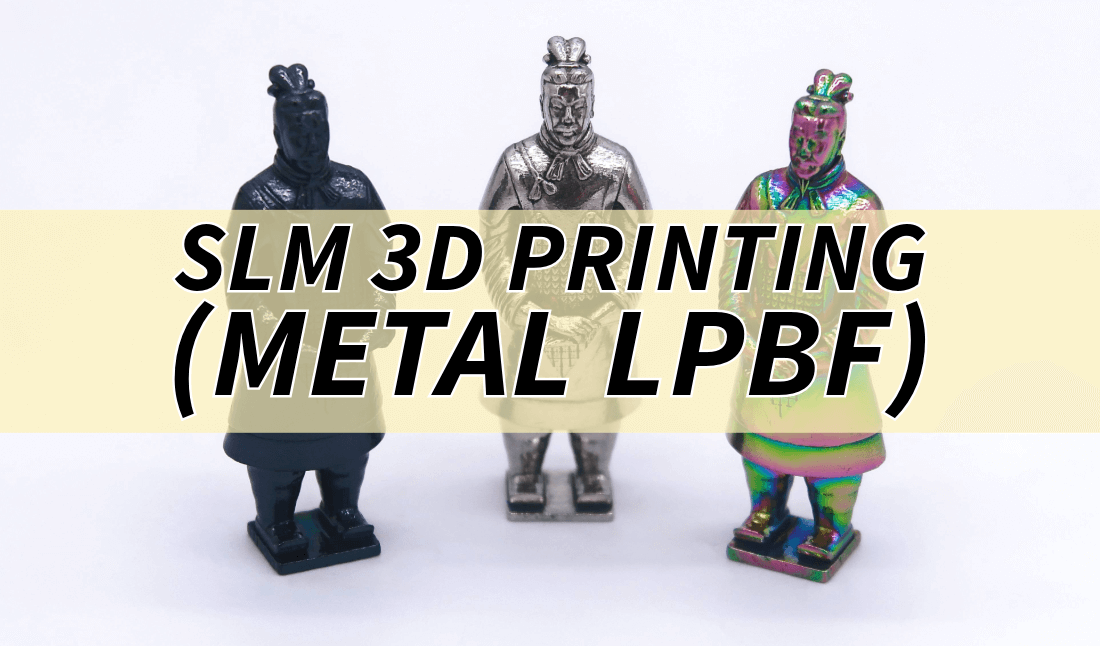
SLM, or Selective Laser Melting, is a metal 3D printing process that uses a high-powered laser to fully melt metal powder layer by layer, producing dense parts directly from digital 3D models. It belongs to the broader Powder Bed Fusion (PBF) family defined by ISO/ASTM 52900, which includes processes that selectively fuse or melt powdered materials using thermal energy.
Within PBF, processes are primarily distinguished by their energy source. Laser Powder Bed Fusion (LPBF) uses a laser, while Electron Beam Powder Bed Fusion (EB-PBF) uses an electron beam. Because SLM uses a laser to melt metal powder, it is commonly referred to as Metal LPBF, as shown in the diagram below.
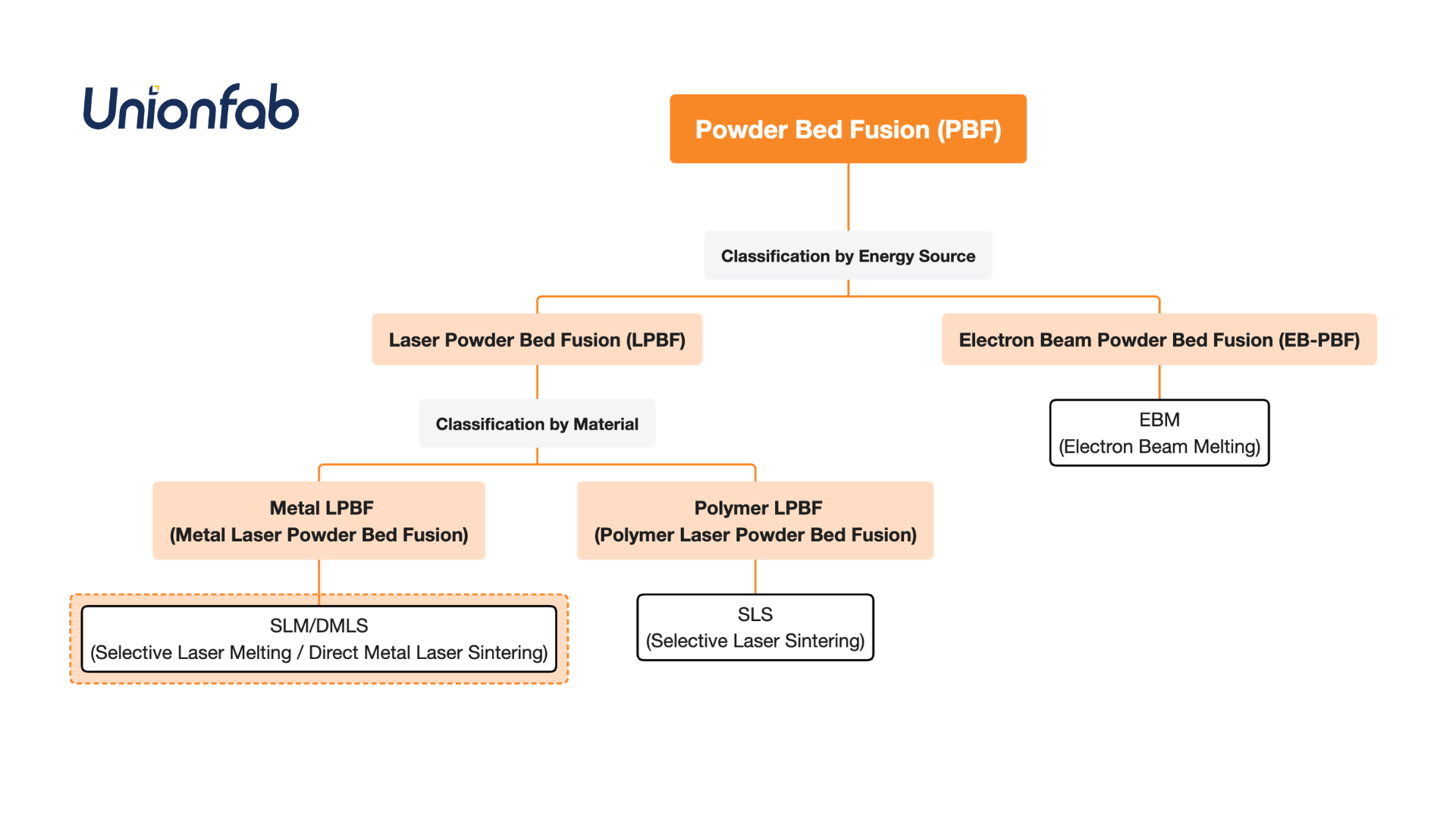
Note: The terms SLM and DMLS (Direct Metal Laser Sintering) are both widely used for metal laser powder bed fusion. They originated from different commercial brand names, but today they describe the same underlying metal LPBF process rather than fundamentally different technologies.
How Does SLM 3D Printing Work?
Components of an SLM 3D Printer
To understand how SLM 3D printing works, it is helpful to first understand the main components of an SLM 3D printer and how they function. An SLM 3D printer typically consists of the following key components.
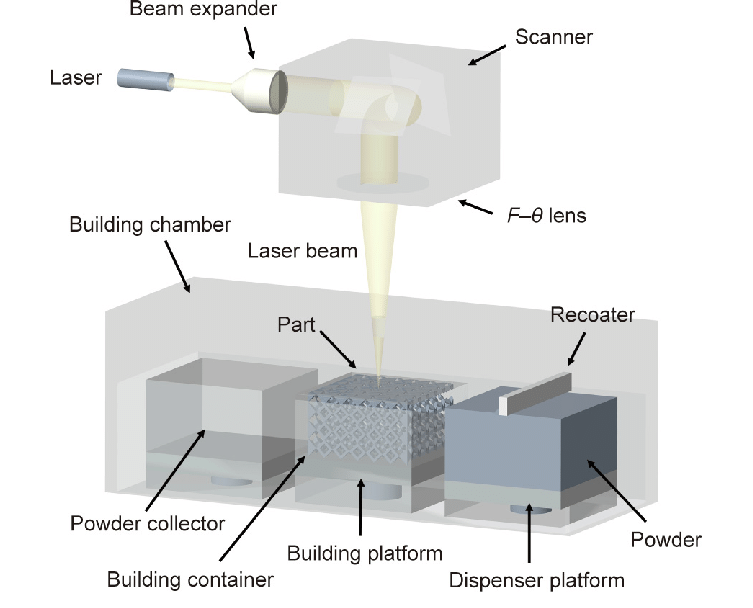
Part | Component | Description |
|---|---|---|
Scanning System | Laser | Commonly fiber lasers; provide the energy source for melting the metal powder. |
Lens | Focuses the laser beam onto the powder bed. | |
Scanner | Directs the laser beam to the desired locations on the powder bed. | |
Building Chamber | Building Space | The enclosed area where the part is built. |
Building Platform | Also called a build plate; the base on which the part is built. | |
Powder Collector | Collects unused powder for recovery and potential reuse. | |
Powder Supply System | Supplies fresh powder to the recoating system. | |
Recoater | Spreads a thin, even layer of powder across the build platform. | |
Inert Gas | Creates an inert atmosphere to minimize oxidation during the build process. | |
Control System | Computer | Controls and monitors the printing process. |
SLM 3D Printing Process
Once you understand the main components of an SLM 3D printer, the printing process is easier to understand. The SLM 3D printing process typically involves the following steps:
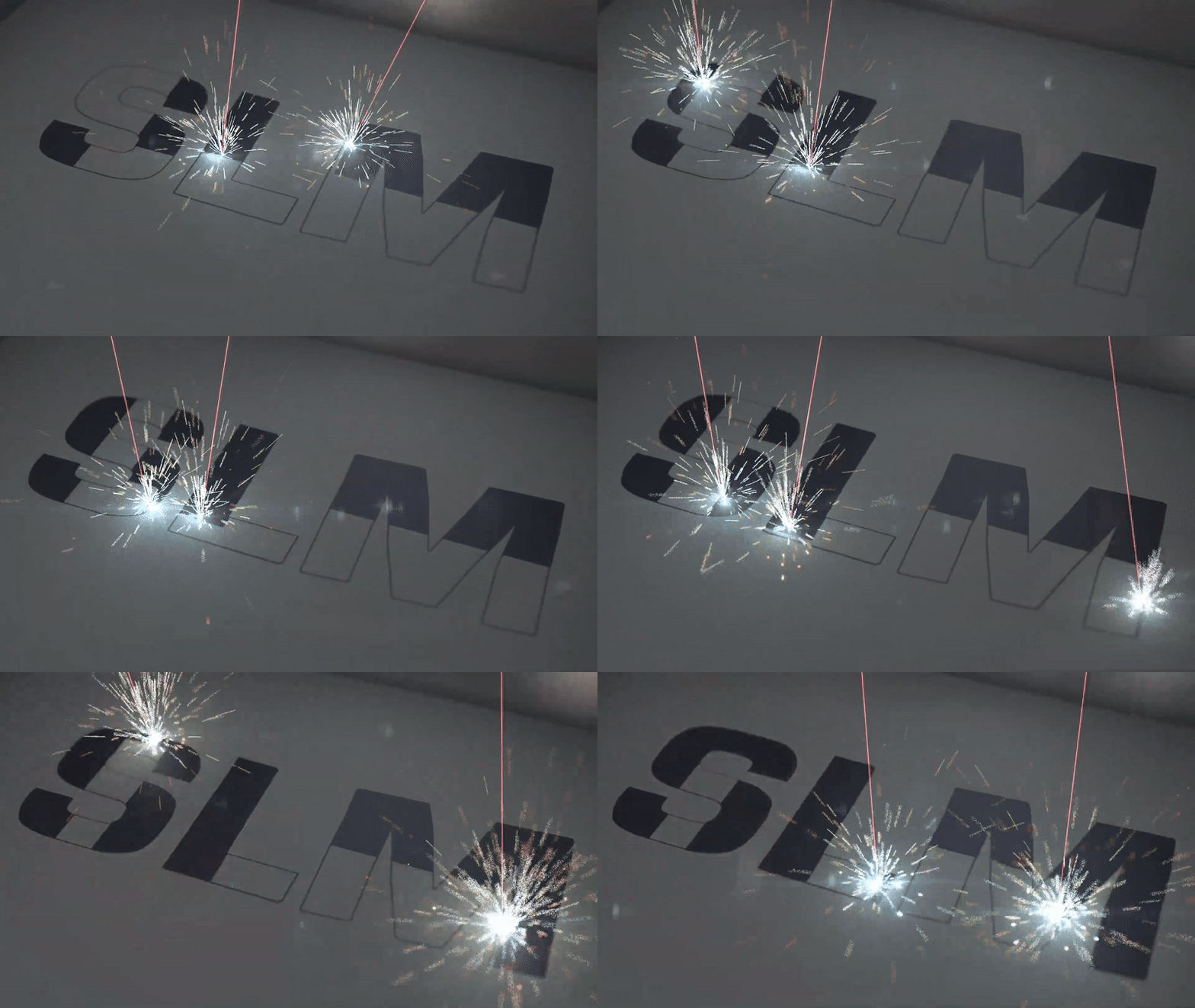
3D Model Preparation and Slicing: A digital 3D model of the part is created using CAD software and then sliced into thin layers.
Powder Spreading: A thin layer of metal powder, typically 20–50 μm thick, is spread evenly across the build platform using a recoater.
Laser Melting: The laser selectively melts the metal powder according to the cross-sectional pattern of the current layer, forming a solid layer.
Layer Completion: Once a layer is complete, the build platform moves down by the specified layer thickness, and a new layer of powder is spread.
Repetition: The powder spreading, laser melting, and layer-lowering steps are repeated until the entire part is built.
Post-Processing: After printing, the part is removed from the build platform, and residual powder is removed. Additional post-processing, such as heat treatment, support removal, or surface finishing, may be required depending on the application.
Materials Used in SLM 3D Printing
The common metals used in SLM 3d printing are Aluminum Alloy, Steel, Titanium and Copper Alloy. Here we have compared their performances in different properties.
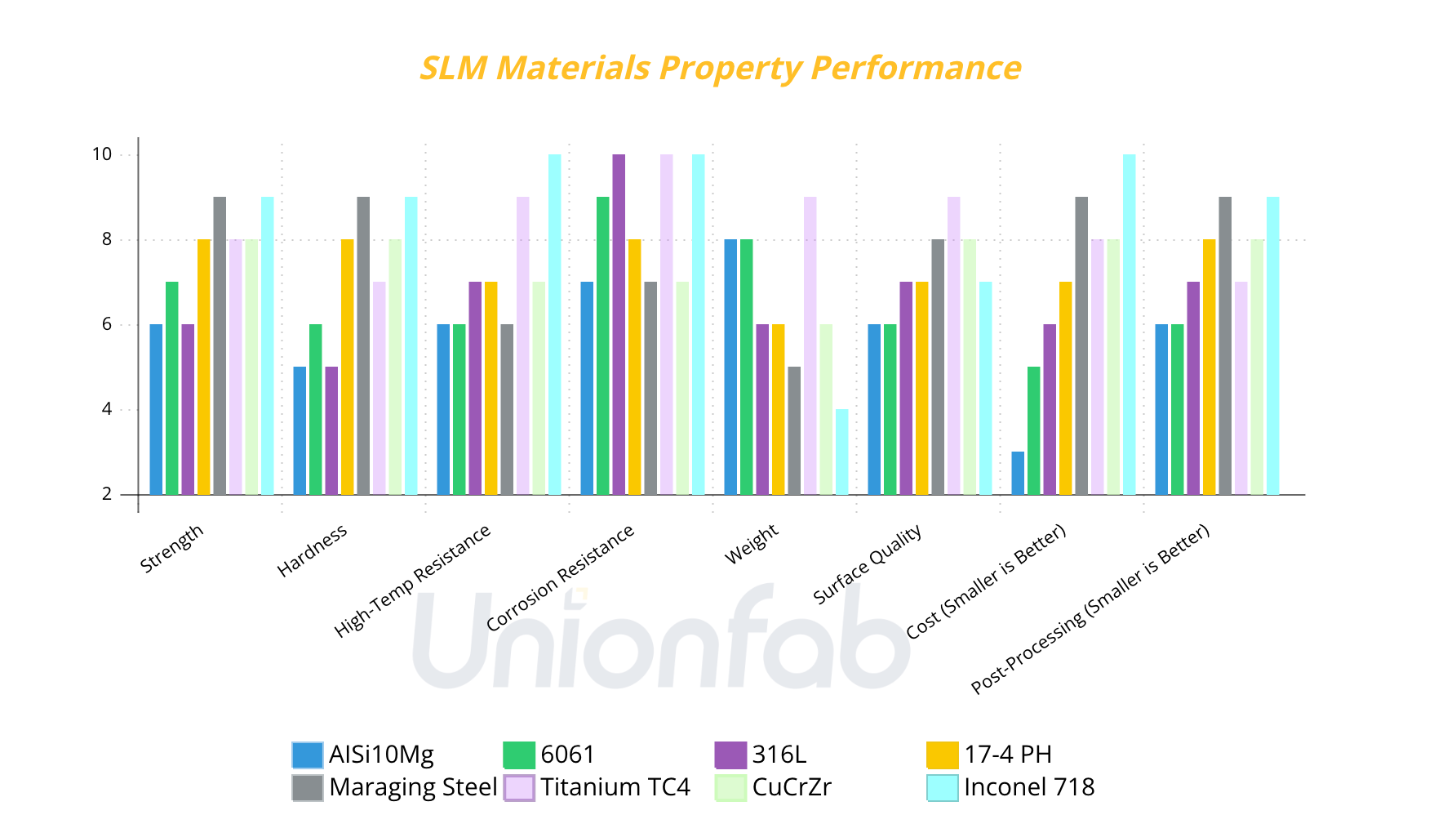
Note: The values in the chart are only used for comparing materials’ performance in different aspects above and have no other meaning.
As we can see from the bar chart,
AlSi10Mg and 6061: Suitable for lightweight, low-cost applications, but have poor high-temperature resistance.
316L: Excellent corrosion resistance, ideal for medical and chemical industries.
17-4PH and Maraging Steel: High strength, suitable for high-strength structural components and molds, but come with higher costs.
TC4: Excellent overall performance, ideal for aerospace and medical fields, but expensive.
CuCrZr: Outstanding thermal performance, suitable for thermal management and electronics, but relatively heavy.
Inconel 718: Exceptional strength, high-temperature resistance, corrosion resistance, and durability, making it ideal for extreme environments like aerospace and power generation.
For more details on the properties of the materials above, you can explore our materials page.
Pros and Cons of SLM 3D Printing
SLM 3D printing offers significant advantages for producing complex metal parts, but it also comes with limitations that should be considered during design and production. The following table highlights the key benefits and trade-offs.
Pros | Cons |
|---|---|
Complex geometries: Produces intricate shapes, internal channels, lattices, and other features that can be difficult or costly to machine. | Relatively slow production: Layer-by-layer printing can take considerable time, particularly for large or complex parts. |
Design freedom: Enables lightweight structures and part designs that are not practical with conventional manufacturing methods. | Support requirements: Overhangs and certain geometries may require supports, adding material use and post-processing work. |
Wide material selection: Works with various engineering metals and alloys, including stainless steels, aluminum, titanium, and nickel alloys. | Post-processing required: Support removal, heat treatment, machining, or surface finishing may be needed depending on the application. |
Part consolidation: Multiple components can often be combined into a single part, reducing assembly and joining requirements. | Surface finish: As-built surfaces are typically rougher than machined surfaces and may require additional finishing. |
No dedicated tooling: Parts can be produced directly from digital files without molds or dies, making SLM suitable for prototypes and low-volume production. | Design and process constraints: Build orientation, thermal stresses, powder removal, and part size can limit some designs. |
SLM 3D Printing Cost: Key Drivers and How to Reduce Costs
SLM 3D printing cost depends on more than the price of metal powder. Part geometry, material selection, support and post-processing requirements, and production quantity all affect the final cost. Understanding these factors can help you make practical design and production decisions without compromising part performance.
What Drives SLM 3D Printing Cost?
Part geometry and build requirements
Part geometry is one of the main factors affecting SLM 3D printing cost. Complex geometries, thin walls, tight tolerances, and large or tall parts can require more machine time, powder, and support structures. Parts that take up more build space or require more complex build strategies generally cost more to produce.
Material and metal powder
Material choice has a direct impact on cost. Different metal powders vary in price, availability, and processing requirements. Materials such as titanium and nickel alloys are typically more expensive than commonly used stainless steels. Selecting a material based on the actual performance requirements of the part can help avoid unnecessary material costs.
Support and post-processing
Support structures consume additional powder and increase build and post-processing requirements. They usually need to be removed after printing, while some parts may also require machining, heat treatment, surface finishing, or other post-processing. The more finishing work a part requires, the higher its overall production cost is likely to be.
Production quantity
Production quantity can affect the cost per part. For one-off parts, setup and preparation costs are distributed across a single part. When multiple parts can be produced efficiently in the same build, these costs can be spread across more parts, potentially reducing the average cost per part
NOTE: For a detailed breakdown of SLM 3d printing costs, check out our comprehensive guide to metal 3D printing cost.
The following table summarizes the main cost drivers and the decisions you can make to keep SLM 3D printing costs under control.
Cost driver | What you can control |
|---|---|
Part geometry and build requirements | Optimize geometry and avoid unnecessary complexity |
Material and metal powder | Select a material based on actual performance requirements |
Support and post-processing | Reduce unnecessary supports and finishing operations |
Production quantity | Batch parts when possible to spread setup and build costs |
How to Reduce SLM 3D Printing Costs
Reducing SLM 3D printing cost does not necessarily mean choosing the cheapest material or compromising part quality. The most effective approach is to reduce unnecessary manufacturing effort while keeping the design fit for its intended application.
Optimize the geometry. Remove unnecessary material and avoid overly complex features where they do not provide functional value. A more efficient design can reduce powder consumption, support requirements, and build time.
Reduce unnecessary supports. Design overhangs and other features with support requirements in mind. Minimizing supports can reduce powder use, shorten the build, and reduce post-processing work.
Choose a suitable orientation. Part orientation affects build height, support volume, surface quality, and build time. Testing different orientations can help identify a more efficient build strategy.
Select material based on actual requirements. Choose the alloy according to the required strength, temperature resistance, corrosion resistance, or other performance criteria rather than automatically selecting a higher-cost material.
Batch parts when possible. If multiple parts can fit efficiently within the same build, producing them together can help spread setup and machine costs across a larger number of parts and lower the average cost per part.
Avoid unnecessary post-processing. Specify machining, polishing, heat treatment, or other finishing operations only where they are needed for function, fit, or appearance. Reducing unnecessary finishing can lower both cost and lead time.
Want to know how much your SLM project will cost?
Upload your CAD file to get an instant quote—no account or login required.
Design Guidelines for SLM 3D Printing
A design that works well for conventional manufacturing may need some adjustments for SLM 3D printing. Following these guidelines can improve printability, dimensional consistency, surface quality, and overall part performance.
Design parameter | Recommended value |
|---|---|
Layer thickness | 0.035 mm |
Minimum wall thickness | 0.5 mm |
Typical tolerance | ±0.2 mm |
Minimum hole diameter | 1 mm |
Minimum internal channel diameter | 2 mm |
Note: These values are general guidelines for SLM 3D printing. Actual capabilities may vary depending on the material, part geometry, build orientation, machine, and post-processing requirements.
Design for Printability
Avoid unnecessary overhangs. Use self-supporting features such as arches, chamfers, or gradual transitions where practical.
Avoid abrupt changes in geometry. Gradual transitions can help reduce thermal stress and distortion.
Add fillets where appropriate. Fillets can reduce stress concentrations at sharp corners.
Consider Part Orientation
Part orientation affects support placement, surface quality, dimensional accuracy, and thermal behavior. Consider critical surfaces, load direction, and potential distortion when choosing the build orientation.
Prepare a Clean 3D Model
Before uploading your model, make sure it is:
Watertight, with no unintended gaps or open surfaces.
Free of non-manifold geometry, overlapping bodies, and duplicate surfaces.
Using correctly oriented surface normals.
Exported with an appropriate mesh resolution to preserve curved surfaces and small features.
Allow Appropriate Part Clearance
For assemblies and moving components, provide sufficient clearance between mating or moving surfaces. The required clearance depends on part size, geometry, tolerances, surface finish, and post-processing requirements.
For complex or critical parts, simulation or a test build can help identify potential deformation, fit, and performance issues before production.
Not sure whether your design is ready for SLM 3D printing?
Upload your CAD file and get free DFM feedback from our engineers before production.
Comparison of SLM 3D Printing Service Providers
Service Provider | One-line Profile | Material | Max Build Size | Online Instant Quoting System | *Sample Cost | Trustpilot Score |
|---|---|---|---|---|---|---|
Xometry | A US-based global factory-less 3D printing supply chain platform | SLM/DMLS: | SLM/DMLS: | ✅ | $575.26 | 4.6 |
Unionfab | A China-based global 3D printing service provider with six in-house 3D printing factories | SLM/DMLS: | SLM/DMLS: | ✅ | $45.49 | |
Facfox | A China-based global factory-less 3D printing supply chain platform | SLM/DMLS: | SLM/DMLS: | ✅ | $46.93 | 4.2 |
Additive3dasia | A Singapore-based 3D printing company | SLM/DMLS: | Not mentioned | ✅ | / | / |
Zelta3d | A Singapore-based 3D printing company | SLM/DMLS: | Not mentioned | ✅ | $92.07 | / |
Addimen | A Spain-based 3D printing company | SLM/DMLS: | Not mentioned | ❌ | / | / |
Jellypipe | A Germany-based global factory-less 3D printing supply chain platform | SLM/DMLS: | Not mentioned | ✅ | $439.56 | / |
Rapidobject | A Germany-based global 3D printing service provider with factories | SLM/DMLS: | Not mentioned | ✅ | $583.56 | / |
*Note: The Sample cost is calculated via the online instant quoating systems of each company above.
Volume: 74.62 cm³; Material: Stainless Steel 316L; Tech: Selective Laser Melting (SLM)
In summary,
Xometry, Unionfab, and Facfox provide relatively rich metal materials.
Facfox has the largest build size for SLM/DMLS: 500 x 500 x 1000 mm.
Xometry, Facfox, and Jellypipe are factory-less supply chain platforms, while Unionfab and Rapidobject have self-owned factories.
Unionfab’s Metal 3D Printing Services
Unionfab provides metal 3D printing services for prototypes, low-volume production, and complex metal parts.
With over 20 years of manufacturing experience, 1,000+ industrial 3D printers, and six advanced manufacturing facilities, we offer scalable production capabilities supported by ISO 9001, 14001, 13485 and IATF 16949-certified quality management systems.
Below is an overview of our metal 3D printing capabilities:
Feature | ||
|---|---|---|
Materials | Aluminum AlSi10Mg | Stainless Steel 316L |
Build Size | Up to 400 × 300 × 400 mm | Up to 430 × 300 × 140 mm |
Layer Thickness | 0.035 mm | 0.05 mm |
Dimensional Tolerance | ±0.2 mm | ±0.3 mm |
Minimum Wall Thickness | 0.5 mm | 2.0 mm |
Pass Rate | 99.5% | 99.5% |
Lead Time | As fast as 4–5 days | As fast as 4–5 days |
On-Time Delivery Rate | 98% | 98% |
Certification | ISO 9001, 14001, 13485 & IATF 16949 | ISO 9001, 14001, 13485 & IATF 16949 |
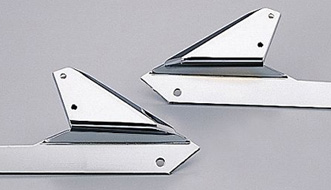
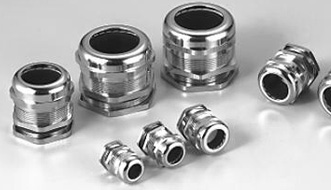
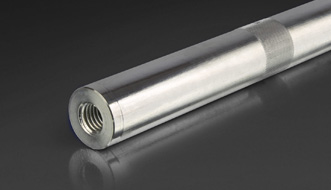
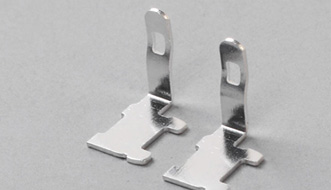
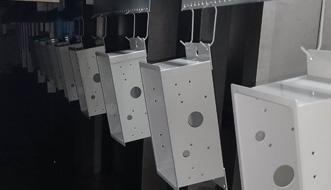
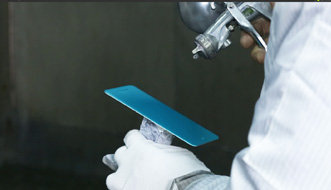
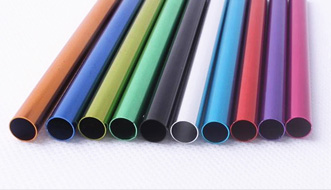
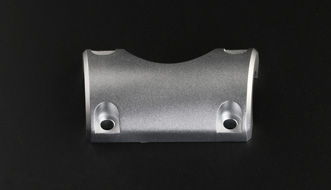
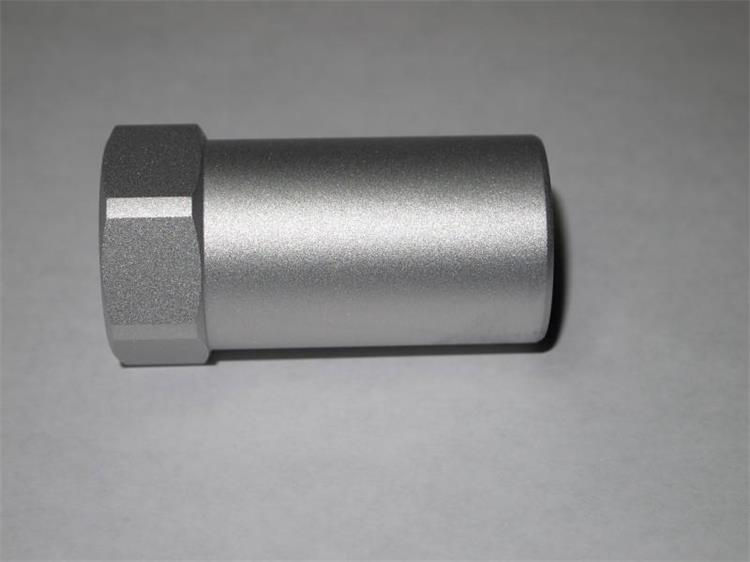
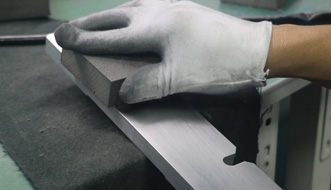
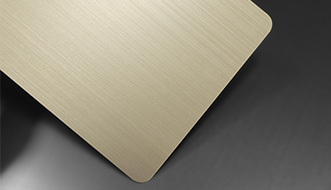
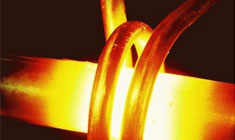
Post Processing
We not only provide high-precision printing but also offer a wide range of post-processing options to enhance the surface quality, durability, and appearance of printed parts for different applications.
 |  |  |  |  |
|---|---|---|---|---|
 |  |  |  |  |
 |  |  |  |  |
QA Report
In addition to delivering cost-effective 3D-printed parts, we also provide quality assurance services and can include a QA report with your shipment to help you verify the quality of your parts.
If you haven’t tried Unionfab’s 3D printing services yet, sign up now and get 10% off your first order!
Customer Review
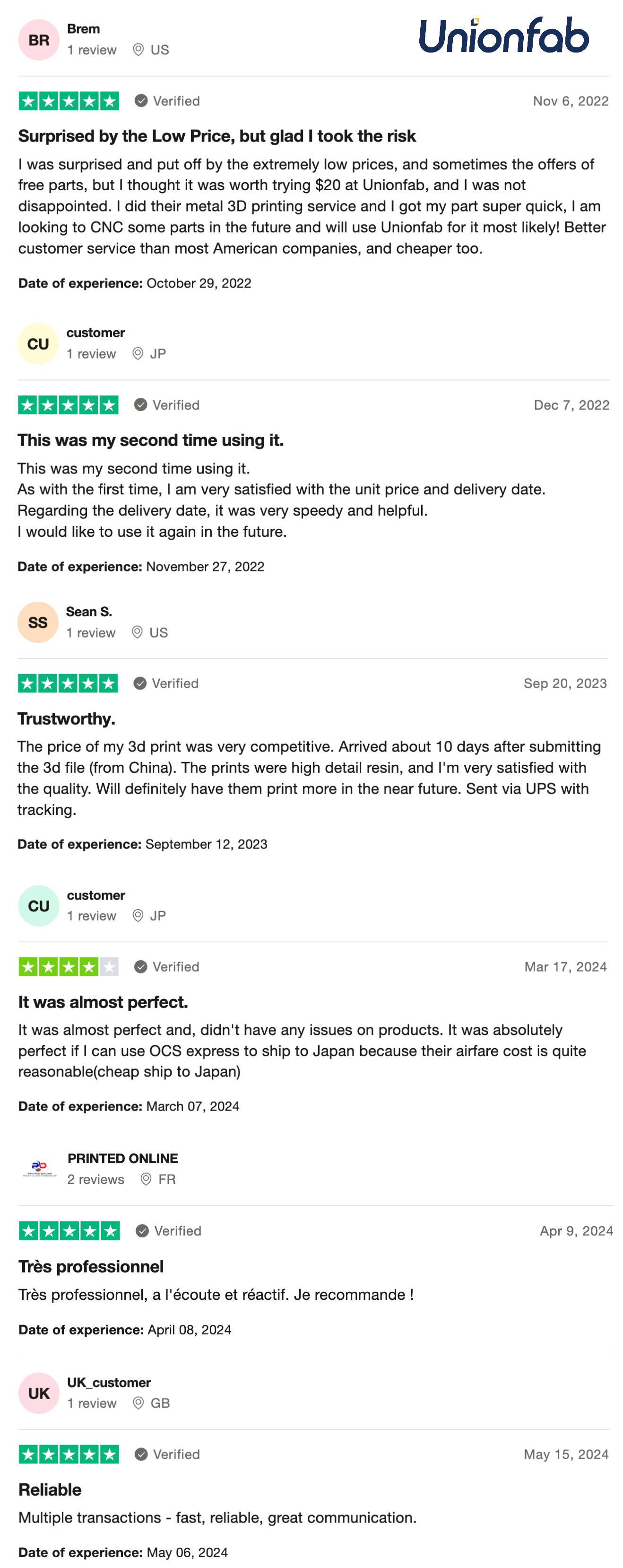
See Unionfab’s customer review from Trustpilot:
Customer | Feedback |
|---|---|
Brem from US | ★★★★★ Surprised by the Low Price, but glad I took the risk. I was surprised and put off by the extremely low prices, and sometimes the offers of free parts, but I thought it was worth trying $20 at Unionfab, and I was not disappointed. I did their metal 3D printing service and I got my part super quick, I am looking to CNC some parts in the future and will use Unionfab for it most likely! Better customer service than most American companies, and cheaper too. |
Customer from JP | ★★★★★ This was my second time using it. As with the first time, I am very satisfied with the unit price and delivery date. Regarding the delivery date, it was very speedy and helpful. I would like to use it again in the future. |
Sean. S from US | ★★★★★ Trustworthy. The price of my 3D print was very competitive. Arrived about 10 days after submitting the 3D file (from China). The prints were high detail resin, and I'm very satisfied with the quality. Will definitely have them print more in the near future. Sent via UPS with tracking. |
Customer from JP | ★★★★ It was almost perfect. It was almost perfect and didn't have any issues on products. It was absolutely perfect if I can use OCS express to ship to Japan because their airfare cost is quite reasonable (cheap ship to Japan). |
Printed Online from FR | ★★★★★ Très professionnel Très professionnel, à l'écoute et réactif. Je recommande! |
UK_customer from GB | ★★★★★ Reliable. Multiple transactions - fast, reliable, great communication. |
FAQs
How much does it cost to 3d print something using SLM?
The cost varies depending on factors such as the material, part size, complexity, and print time. For more details, read our article: How much does it cost to 3d print something?
What is the difference between SLS and SLM?
SLS (Selective Laser Sintering) uses a laser to sinter powdered material, commonly polymers, layer by layer. SLM (Selective Laser Melting) uses a laser to fully melt metal powder and build solid metal parts layer by layer. For a more detailed comparison, read our article: SLA vs SLS vs SLM.
What is the most expensive metal for 3D printing?
Titanium, especially Ti-6Al-4V, is among the more expensive metals commonly used for 3D printing. Its cost is influenced by the price of the raw material as well as its high-performance properties and applications in demanding industries.
What is the cheapest metal for 3D printing?
Aluminum is generally one of the more affordable metals for 3D printing due to its relatively low material cost and wide availability.
What is the toughest metal for 3D printing?
There is no single “toughest” metal for all 3D printing applications, as toughness depends on the specific alloy and its mechanical properties. Inconel 718, for example, offers high toughness, strength, and excellent performance at elevated temperatures, making it well suited for demanding aerospace and high-performance applications.